
Table of Contents
- Booking and services
- Trust and comfort
- Local visibility
- Launch checklist
Dental website must-haves help U.S. practices reduce anxiety, answer questions, and make booking easy. Patients compare trust, convenience, services, and location on a phone.
Dental website must-haves: Make booking obvious
Put online booking, phone, hours, address, and insurance information in the header. Keep forms short, explain response times, and offer an emergency path. Make every action easy to tap.
Explain services clearly
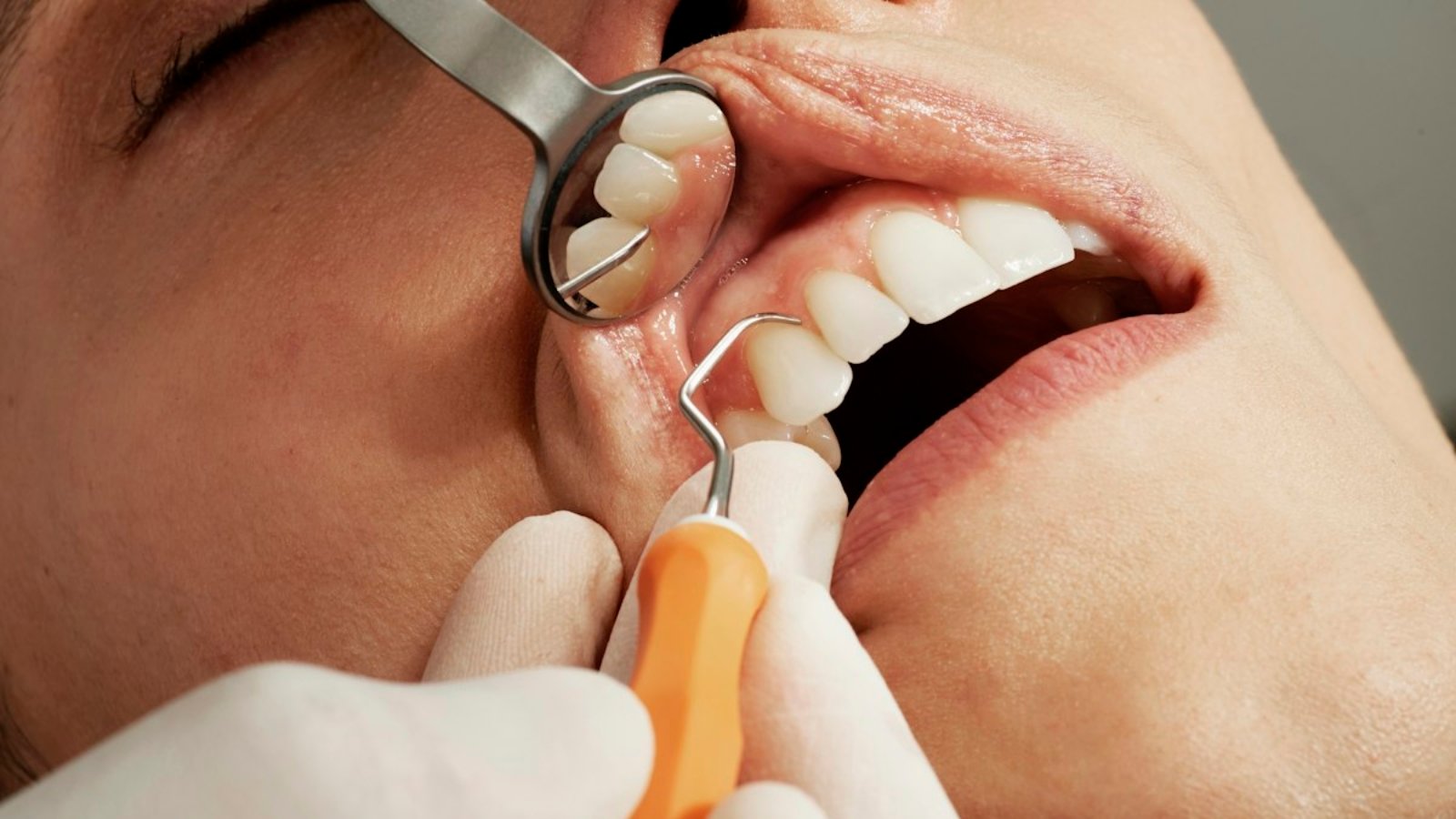
Create focused pages for exams, cleanings, emergency care, implants, orthodontics, cosmetic treatments, and pediatric dentistry. Explain who each service helps, what to expect, and next steps.
Show trust and comfort
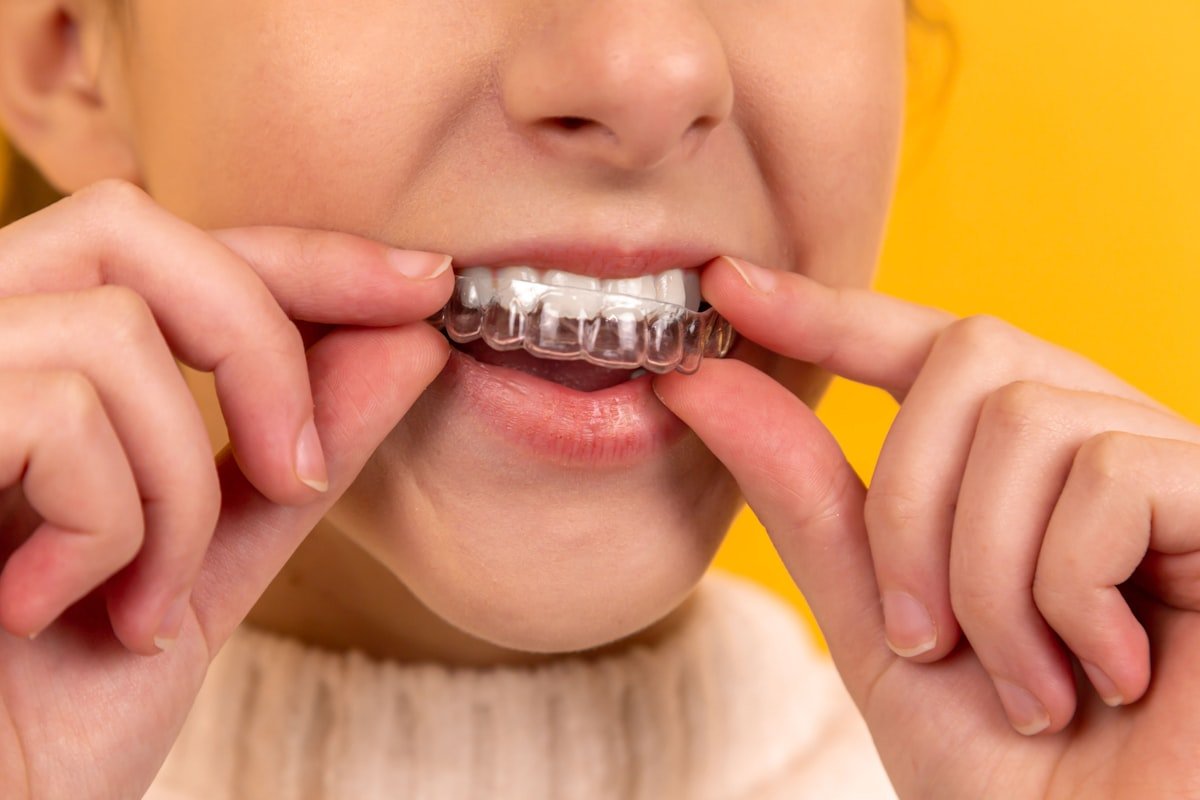
Introduce the dentist and team with real photos, credentials, technology, financing, accessibility, and patient reviews. Use accurate policies and protect privacy. A calm tone matters.
Win mobile and local search
Keep pages fast and readable. Use descriptive titles, internal links, and consistent name, address, and phone details. Maintain Google Business Profile and request honest reviews.

Measure appointments
Track calls, booking clicks, forms, and directions. Improve pages that earn visits but few appointments.
Preview-First
See a private preview: WhatsApp or saajwebdesign.com.
Make dental website must-haves easy to scan
Patients often visit a dental website between errands or after searching on a phone. Put the most useful answer near the top of every page. A clear headline should explain the practice, location, and next step without forcing visitors to decode marketing language.
Use short sections for preventive care, urgent visits, cosmetic options, and family dentistry. Each service page should describe who it helps, what the visit includes, and how to prepare. Add a visible booking button and a phone link so patients can choose the contact method that feels comfortable.
Build confidence before the first appointment
Strong dental website must-haves include practical trust details. Introduce the clinicians with accurate credentials and friendly photos. Explain payment options, accepted insurance, accessibility, parking, and language support. These details reduce uncertainty and help a new patient decide whether the practice is a good fit.
Reviews can support trust when they are presented honestly and updated regularly. Do not promise outcomes or use exaggerated claims. Instead, explain the patient experience, show the space, and answer common questions about comfort, safety, and follow-up care.
Improve local visibility and conversions
Keep the practice name, address, and phone number consistent across the website and local listings. Link related service pages together with descriptive anchor text. For broader planning, compare the WordPress website cost for small business and choose improvements that support bookings rather than adding clutter.
Measure calls, appointment requests, booking completions, and direction requests. Review those numbers monthly. If a page receives visits but few inquiries, simplify its copy, strengthen the call to action, and check the mobile layout. A useful dental website should make the next step obvious at every stage.
Dental website launch checklist
Before launch, test every form, phone link, booking button, and map on a real mobile device. Check that images load quickly, alternative text describes their purpose, and headings follow a logical order. Confirm privacy and accessibility basics, then ask a team member to complete a booking without help.
These dental website must-haves create a calm, helpful path from search to scheduled visit. Keep improving based on patient questions and measured behavior, while preserving the clear language that makes the practice approachable.
Answer practical patient questions
Helpful dental website content should answer practical questions before a patient calls. Explain appointment length, preparation, aftercare, emergency availability, and what happens at the first visit. Keep these details current, use plain language, and make the booking path easy to find. Clear answers support trust and help the practice serve patients more efficiently.